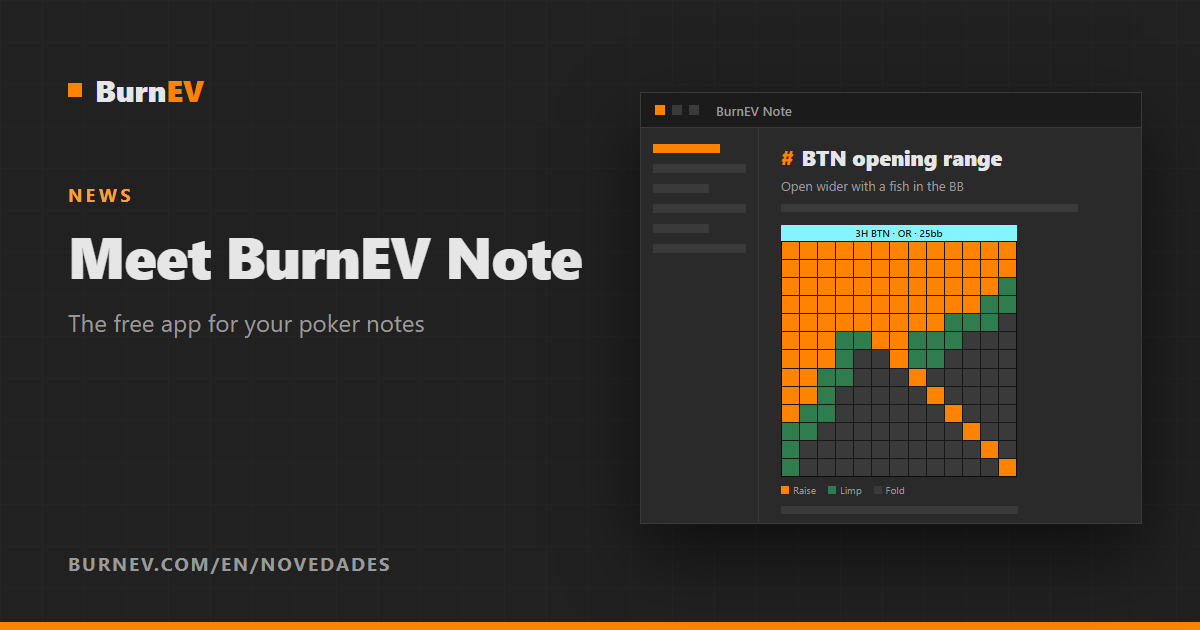
Today we’re launching BurnEV Note, a free desktop app to take poker notes and draw study diagrams. What makes it different: you can add your Burn EV range tables to any note, and they update on their own when you change a range on the website.
What BurnEV Note is
Studying poker isn’t just training ranges: it’s also reviewing hands, writing down your reasoning, noting questions for your coach and organizing what you learn. Until now those notes lived in a notepad, a loose document or a notebook, far from your charts. BurnEV Note brings them together.
- Markdown notes with headings, lists, tables, links between notes, tags and images.
- Cards as you type: type
!AhKdand the cards appear as images. - Diagrams: a whiteboard to draw your decision lines with shapes, arrows and text, and export them to PNG.
- Your notes are yours: they’re files on your computer, saved automatically and available offline. If you already have notes in Markdown, you can use that same folder.
Your ranges, inside your notes
Connect the app to your Burn EV account (you sign in through your browser; the app never sees your password) and you can add any chart from your range sets to a note or a diagram:
- Always up to date: change a range on the website and the note shows the new version.
- Highlight what you’re studying: pick the labels you want to stand out (for example, only the 3-bets) and the rest of the chart is dimmed.
- Inside tables: put a range in a cell and compare it with your notes in the next column.
- Offline too: charts you’ve already opened are saved on your computer.
Free, even without an account
BurnEV Note is free. You can use it for your notes and diagrams without a Burn EV account; you only need an account to add your range tables.
Download it
For now it’s available for Windows 10 and 11 (64-bit). It updates itself: when there’s a new version, the app lets you know and, after restarting, shows you what’s new.
Download BurnEV Note for free and try adding your first range to a note.
If you have ideas or find a bug, let us know: the app has just been released and we’ll keep improving it with your feedback.